Introduction to YUV
作者:罗上文,微信:Loken1,公众号:FFmpeg弦外之音
Although RGB is the color space we encounter most often in daily life, another widely used color space is YUV.
RGB is better suited to image capture and display, while YUV is friendlier to encoding systems. Before encoding and compression, an RGB image is converted to YUV. Before display, a YUV image usually needs to be converted back to RGB. In practice, this conversion is normally handled inside hardware or software, so the YUV-to-RGB-to-screen step is transparent to application developers.
RGB and YUV are both ways of representing color information. What we see is information, an abstract concept from information theory.
Both RGB and YUV can be viewed as three-dimensional spaces: cubes with x, y, and z axes.
Why is YUV more common in audio/video development and encoding? The answer involves the Human Visual System (HVS) and how it perceives color.
Research in visual psychology shows that the visual system's perception of light can be described by two properties: luminance and chrominance. Chrominance is also called saturation or chroma; terminology varies, so context matters.
Chrominance perception has two dimensions: hue and saturation. Hue is defined by the peak of a light wave and describes its color. Saturation is defined by the spectral width of the light wave and describes its purity.
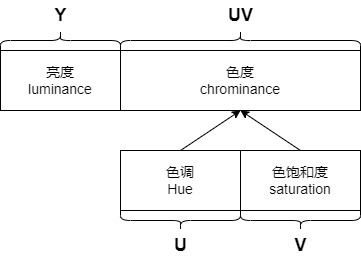
The HVS therefore perceives three color properties: luminance, hue, and saturation. These correspond to the YUV color space: Y represents luminance, U represents hue, and V represents saturation.
Extensive research shows that the visual system is far less sensitive to chrominance than to luminance. We can therefore compress chroma using a lower sampling rate while keeping the normal sampling rate for luma, with little impact on visual quality.
In simple terms, fewer data points represent chroma and more data points represent luminance.
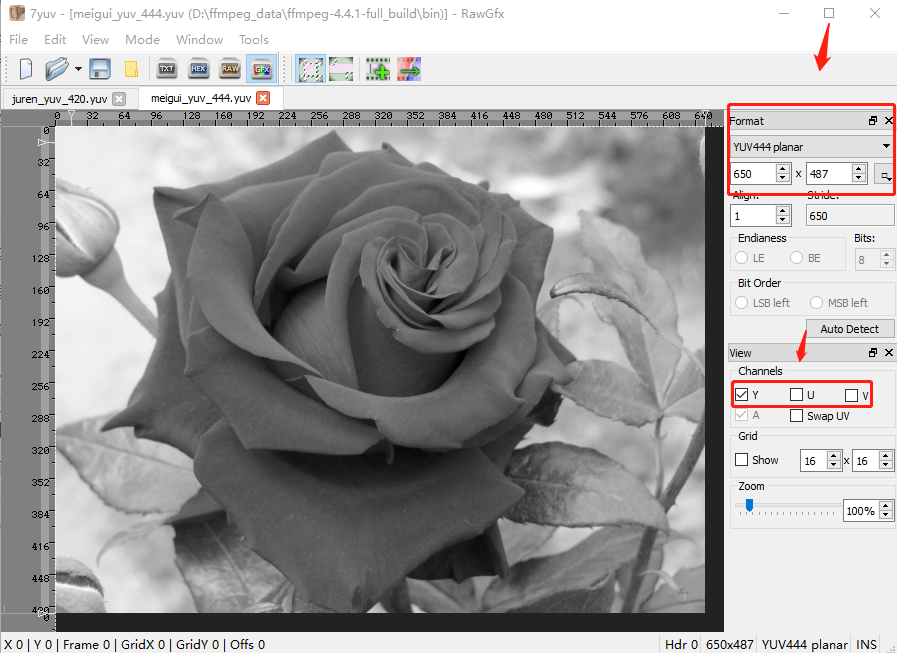
Here is a practical demonstration of how the HVS perceives the three YUV components. I use 7yuv1 to open the sample file meigui_yuv_444.yuv.
With only the Y component enabled, the image is black and white. Y is luminance: as a black region becomes brighter it turns gray, and as gray becomes brighter it turns white.
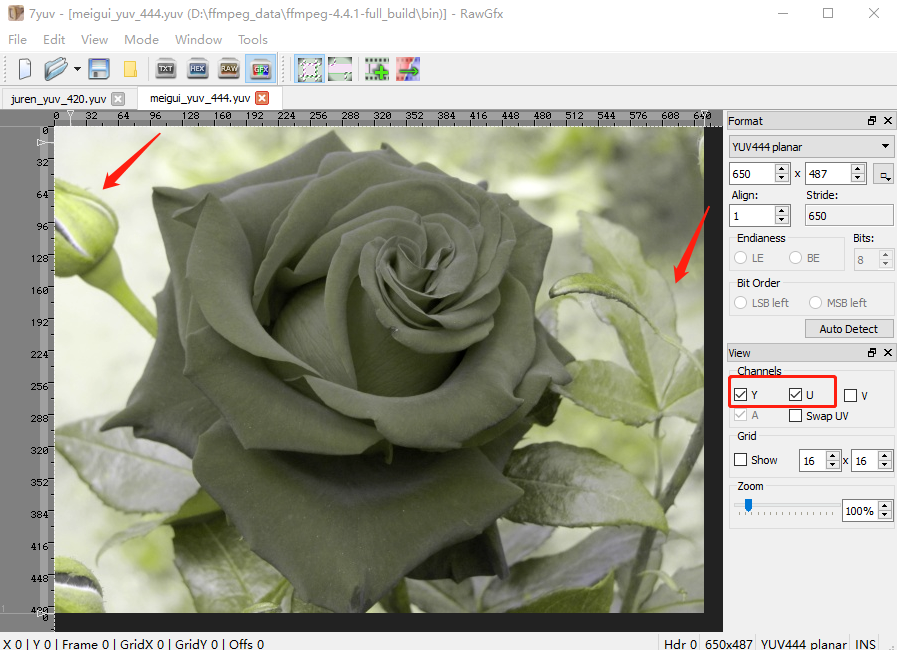
Now enable Y and U. Look at the leaves and flowers: green and red are already visible, but they are very raw dark-green and dark-red colors.
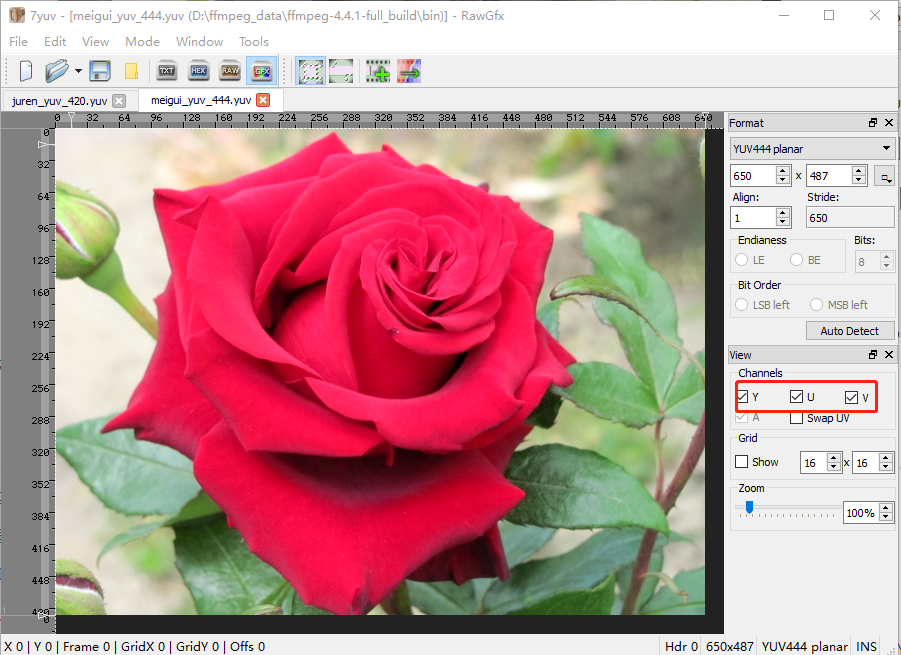
Finally enable V (saturation). The dark red becomes rose red and the dark green becomes cyan green.
YUV-related color spaces are commonly grouped into three systems:
- YIQ, used by the NTSC color television system.
- YUV, used by the PAL and SECAM color television systems.
- YCbCr, used by computer displays.
In Internet audio/video development, “YUV” usually means YCbCr: U is Cb and V is Cr.
You will often see YCbCr in audio/video books; you can treat it as YUV for practical purposes. YCbCr is the more precise term, and it is also the color space used by JPEG and MPEG standards.
The YUV discussed in the rest of this book also means YCbCr, not the YUV system used by PAL and SECAM television.
Why does RGB not match HVS perception? The image juren.bmp contains RGB24 true-color data. Open it with 7yuv:
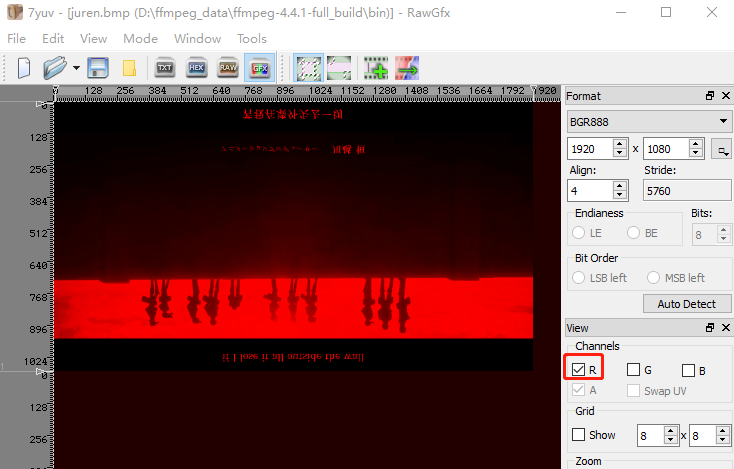
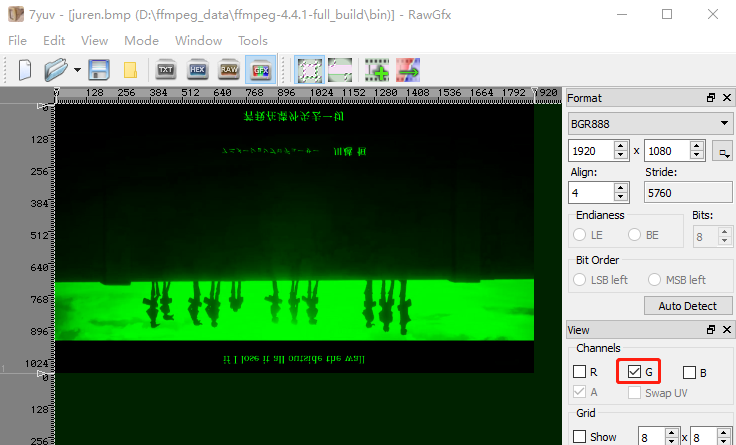
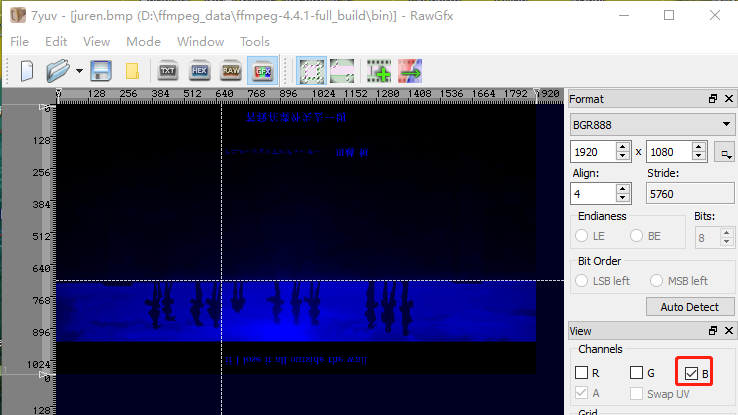
The three images show the R, G, and B components separately. All three components are closely related to luminance, so HVS-based compression is inconvenient in RGB space.
Cameras generally capture RGB, so we need a way to convert RGB to YUV. The article Converting Between RGB and YUV explains this in detail.
Additional knowledge: black-and-white television is still quite watchable. In real-time communications, reducing video to monochrome can be a practical solution when latency is the priority.
Next we examine the Cb and Cr channels and use images to show how changes in these values affect the result. Without pictures, their roles are difficult to understand.
In YUV, U is Cb, whose usual term is hue. V is Cr, whose usual term is saturation.
You can think of U and V as color differences. The three formulas are:
Cb is the blue chroma component, obtained by subtracting Y from the RGB B value.
Cr is the red chroma component, obtained by subtracting Y from the RGB R value.
Cg is the green chroma component, obtained by subtracting Y from the RGB G value.
The Cb/Cr color space is shown below in high resolution:
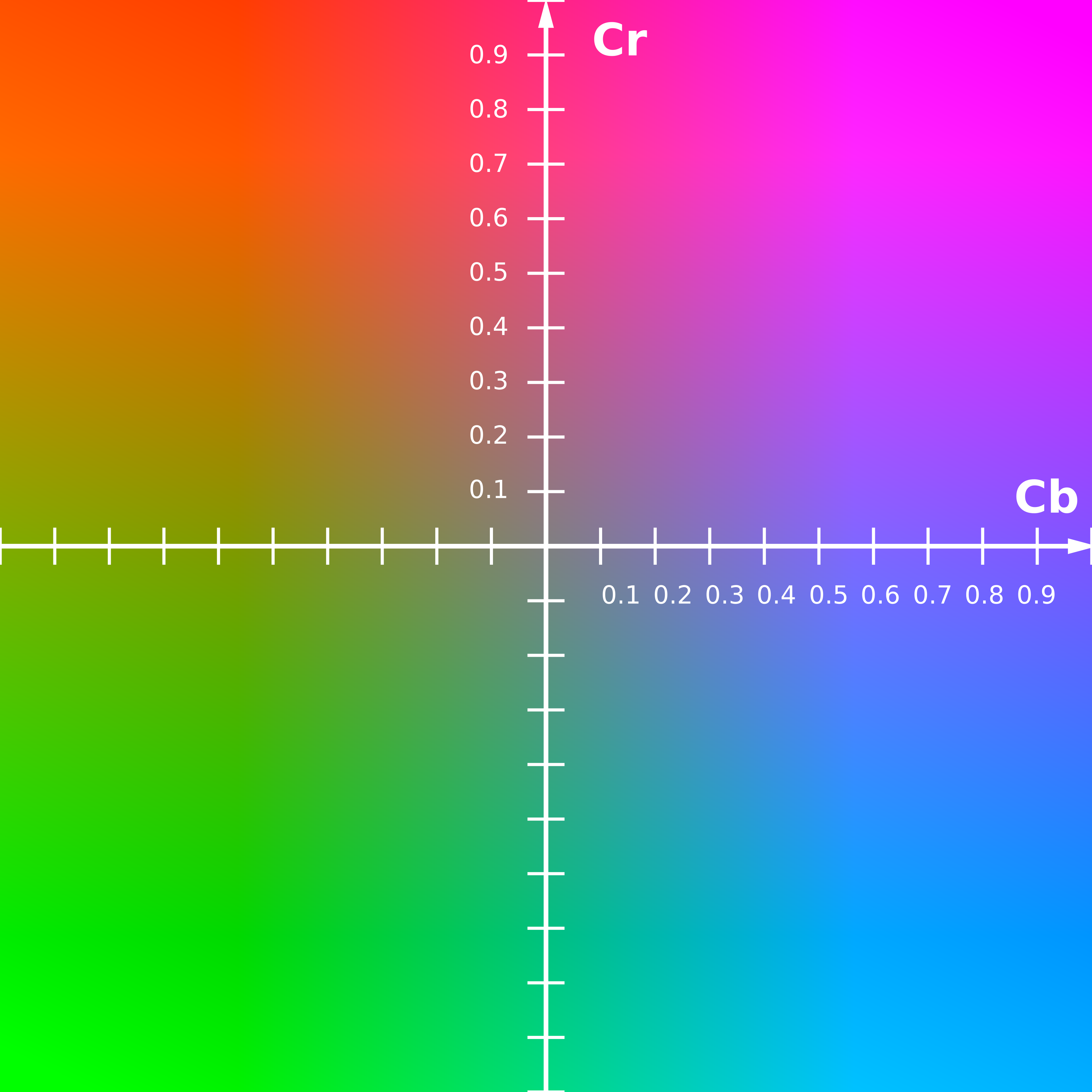
To make the effect of Cb and Cr more intuitive, we can use a YUV palette:
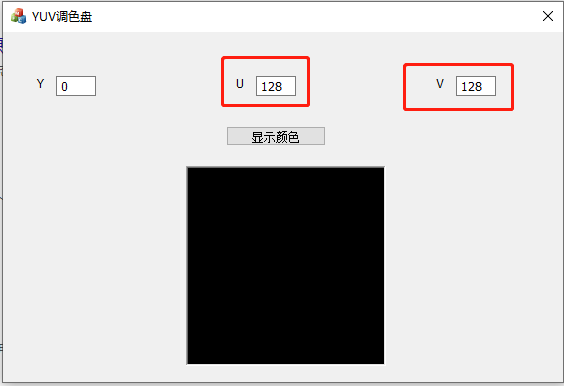
All YUV values in the image range from 1 to 255, so 128 is the center of the x/y axes. Try changing Y from 0 to 255: the image becomes progressively brighter until it turns white.
The YUV palette can be downloaded from Baidu Netdisk; extraction code: 7x1n.
The palette was written in MFC by Yue-lu Chui-xue. It requires Visual Studio 2017 and the MFC components. Because the project is old, change the Platform Toolset to v2017 as shown below:

In the palette, U is Cb. Its value is the offset along the x-axis of the color space, or the color difference; changing the offset produces different colors. There is also a y-axis, where Y is Cr. Cb and Cr combine and affect the final color together.
Looking at Cr and Cb on an x/y plot makes their roles easy to understand.
1. 7yuv is an image-viewing application: http://datahammer.de/ ↩